Connect a service
A connection lets an agent reach one thing outside your folder. Gmail, Slack, Notion, Google Drive, Telegram, a second folder, or the image and video models.
Adding one
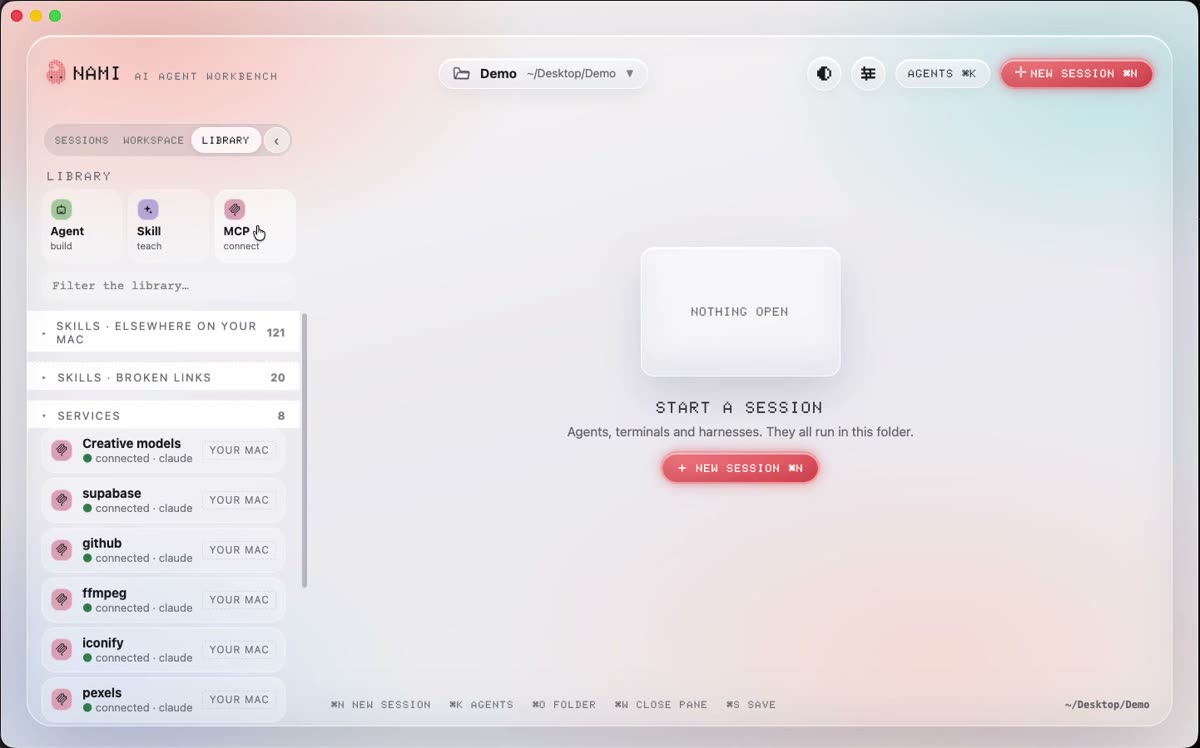
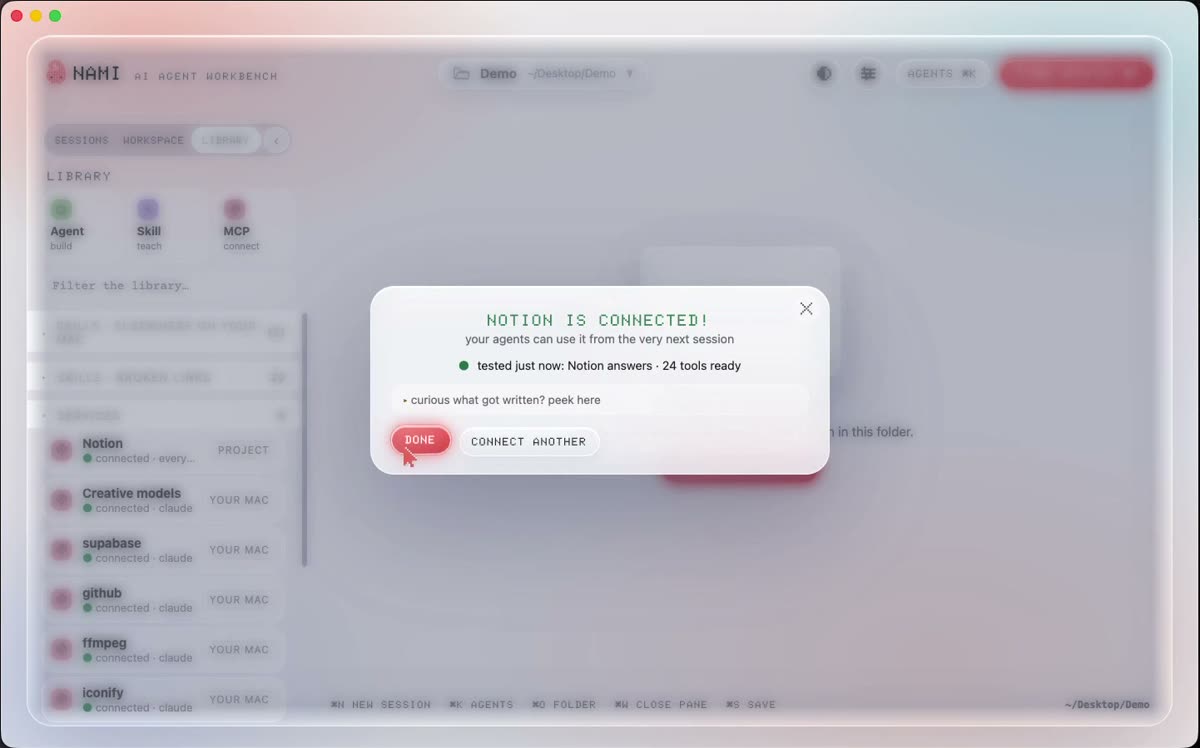
Open Library in the rail, then Services, then Add. Pick the service. Nami asks for the one thing it needs, saves it, and then starts the connection once to prove it works before it tells you it is on.
| Service | What it needs | Where you get it |
|---|---|---|
| Notion | a secret key | notion.so, your profile, then Integrations |
| Slack | a bot token | api.slack.com, your app, then OAuth |
| Telegram | a bot token | message @BotFather in Telegram |
| Gmail | a Google sign in | Nami walks you through it, about 5 minutes |
| Google Drive | a Google sign in | the same walk through as Gmail |
| A second folder | nothing, just pick it | the folder picker |
| Creative models | a KIE key | kie.ai |
Where it goes
Nami keeps one list of your connections and writes it into each agent’s own settings, so something you connect once works in every agent you run. Anything you set up by hand is never touched.
Choose the scope when you add it. This folder keeps it to the folder. Everywhere keeps it for every folder you ever open.
What it looks like after
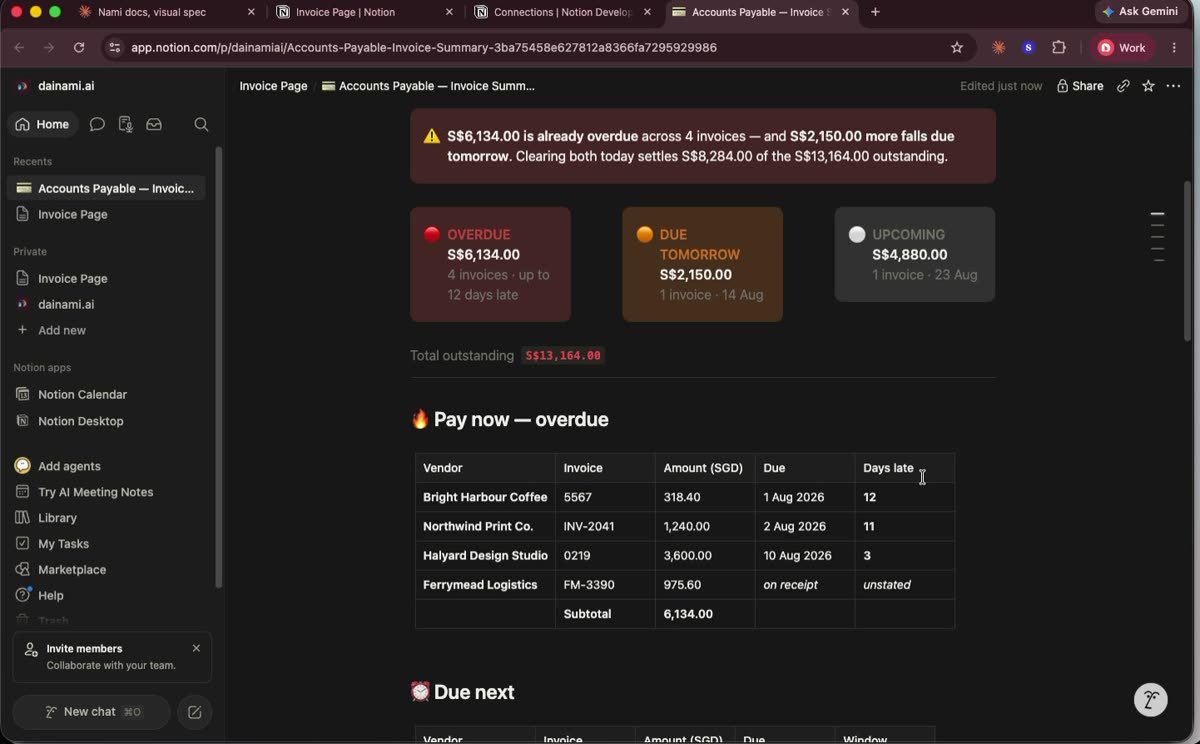
Once Notion is connected, the same folder of invoices can become a page in Notion instead of a file on your computer. Nothing about the ask changes. You just say where you want it.
Something missing here? Tell us on GitHub.